 BTGuard
OpenVPN VPN Setup on Android
Setup Instructions
- 1. Download and install OpenVPN Connect.


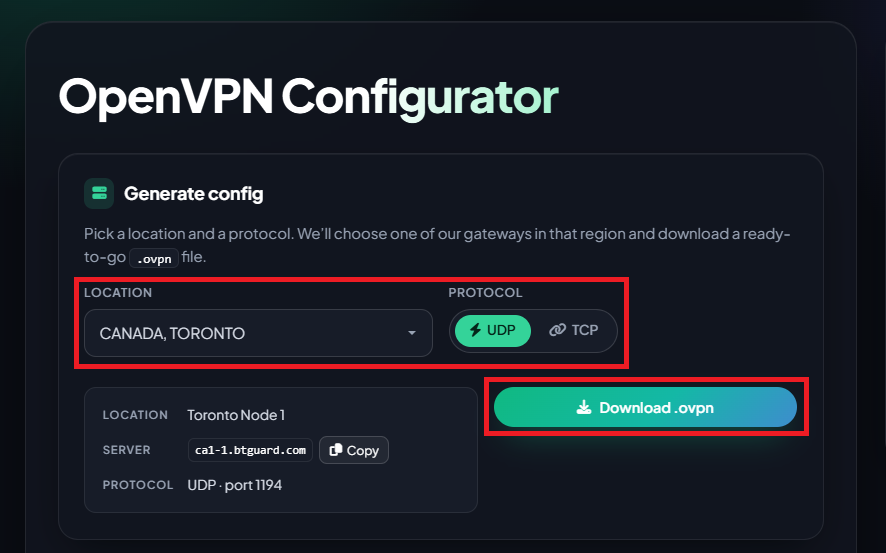
- 2. Go to the OpenVPN Config Generator

- 3. Select the Location and Protocol you'd like to use.
(Only use TCP if you have a specific use case for it or if you're having issues with UDP) - 4. Click on Download .ovpn and save the file.
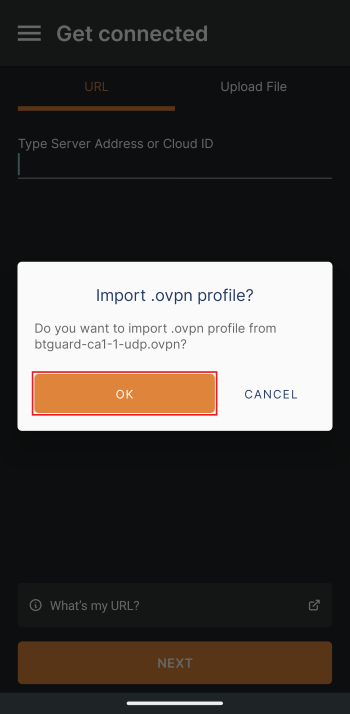
- 5. Open the .ovpn file you just downloaded and OpenVPN Connect will launch.
- 6. Hit OK when prompted to import the .ovpn profile.
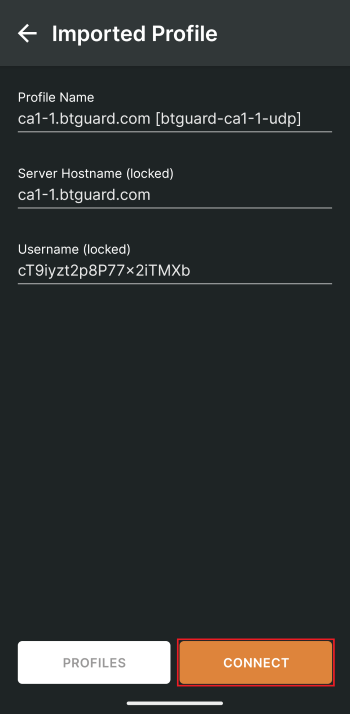
- 7. Hit CONNECT.
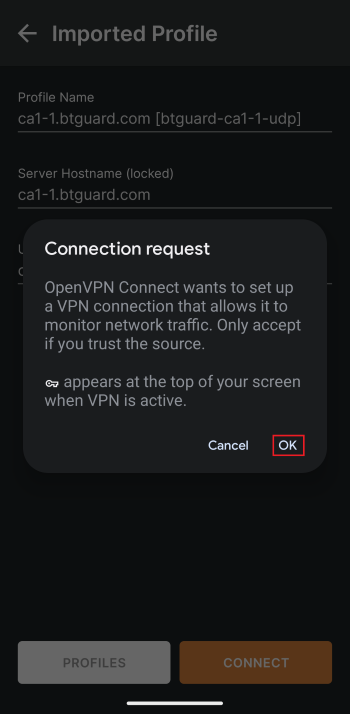
- 8. Select OK.
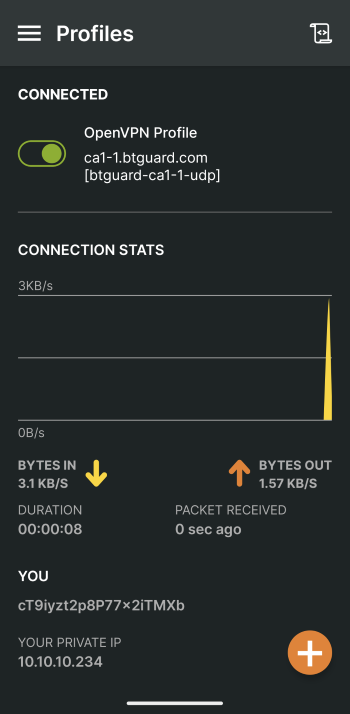
- You are now connected!