 BTGuard
Stealth VPN Setup on Windows
Setup Instructions
- 1. Download and Install the latest version of Hiddify.
- 2. Go to the stealth config generator
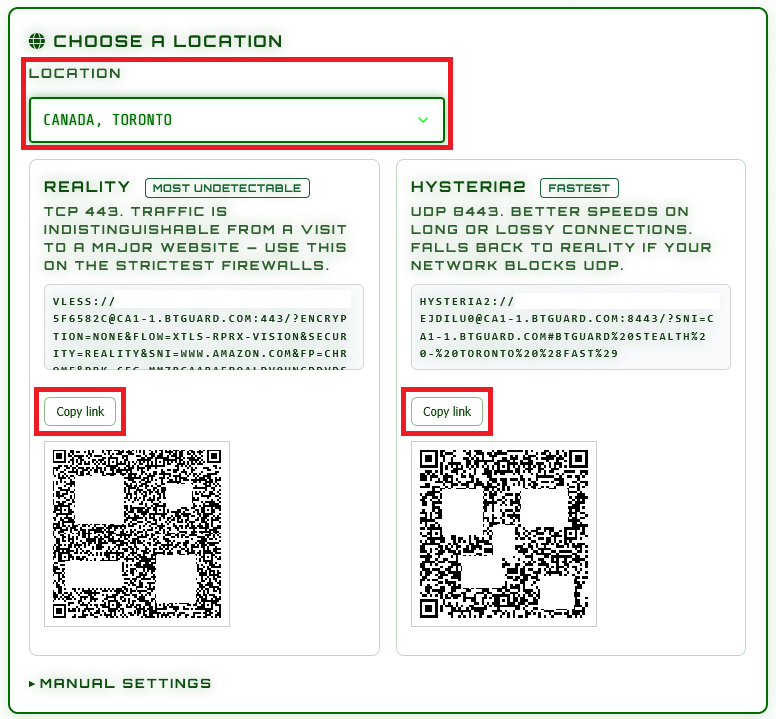
- 3. Select the Location and Protocol you'd like to use.
(Try both Reality and Hysteria2) - 4. Click on Copy link

- 5. Open Hiddify and click on the + icon in the top right corner.
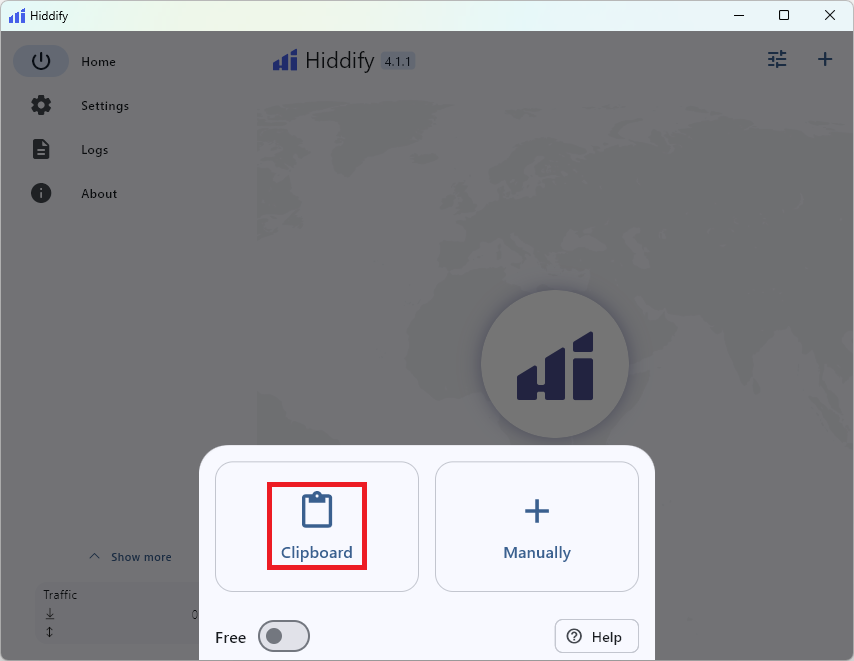
- 6. Select Clipboard.
(Repeat steps 3 to 6 for Hysteria 2 and extra locations)
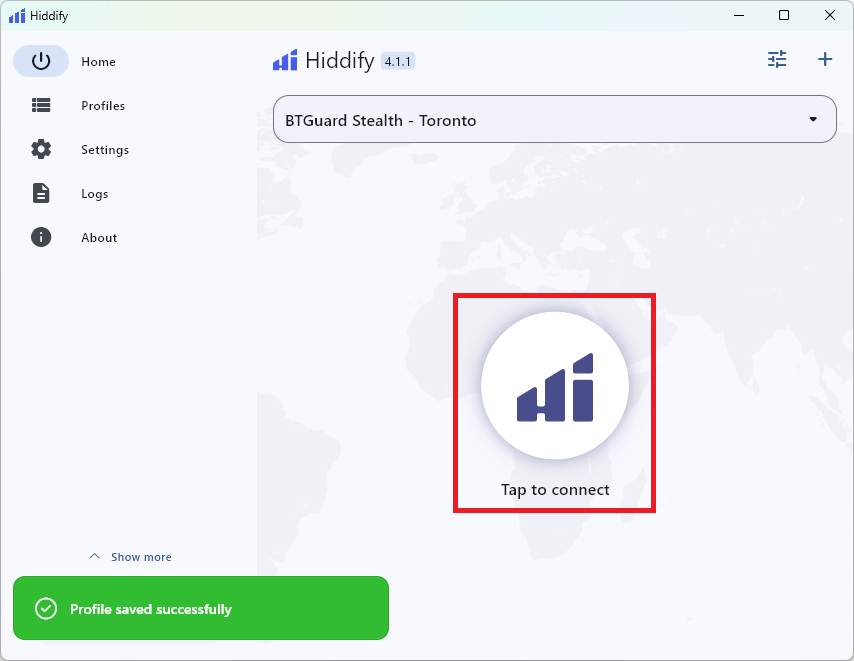
- 7. Click on Tap to connect.
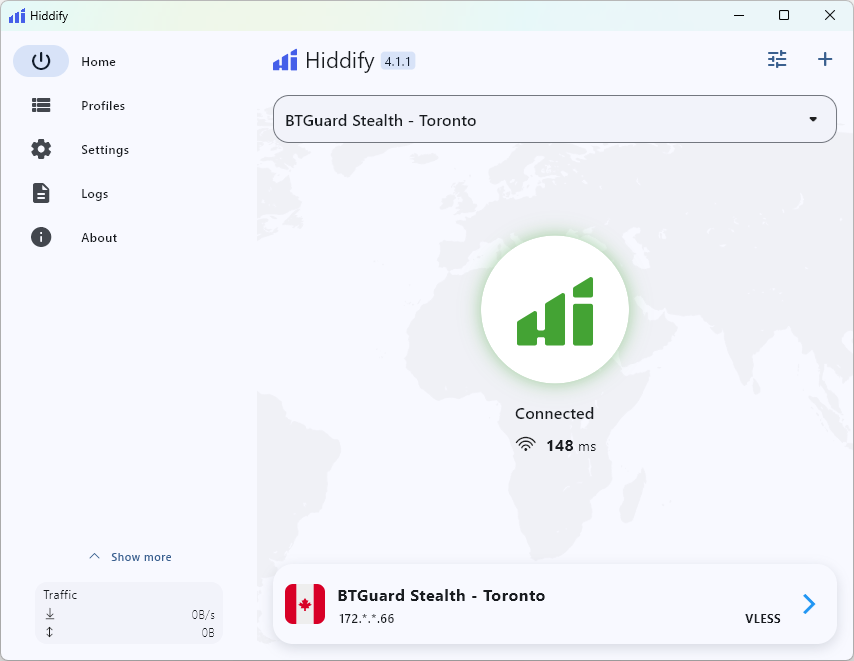
- You are now Connected!