 BTGuard
BTGuard VPN for Linux
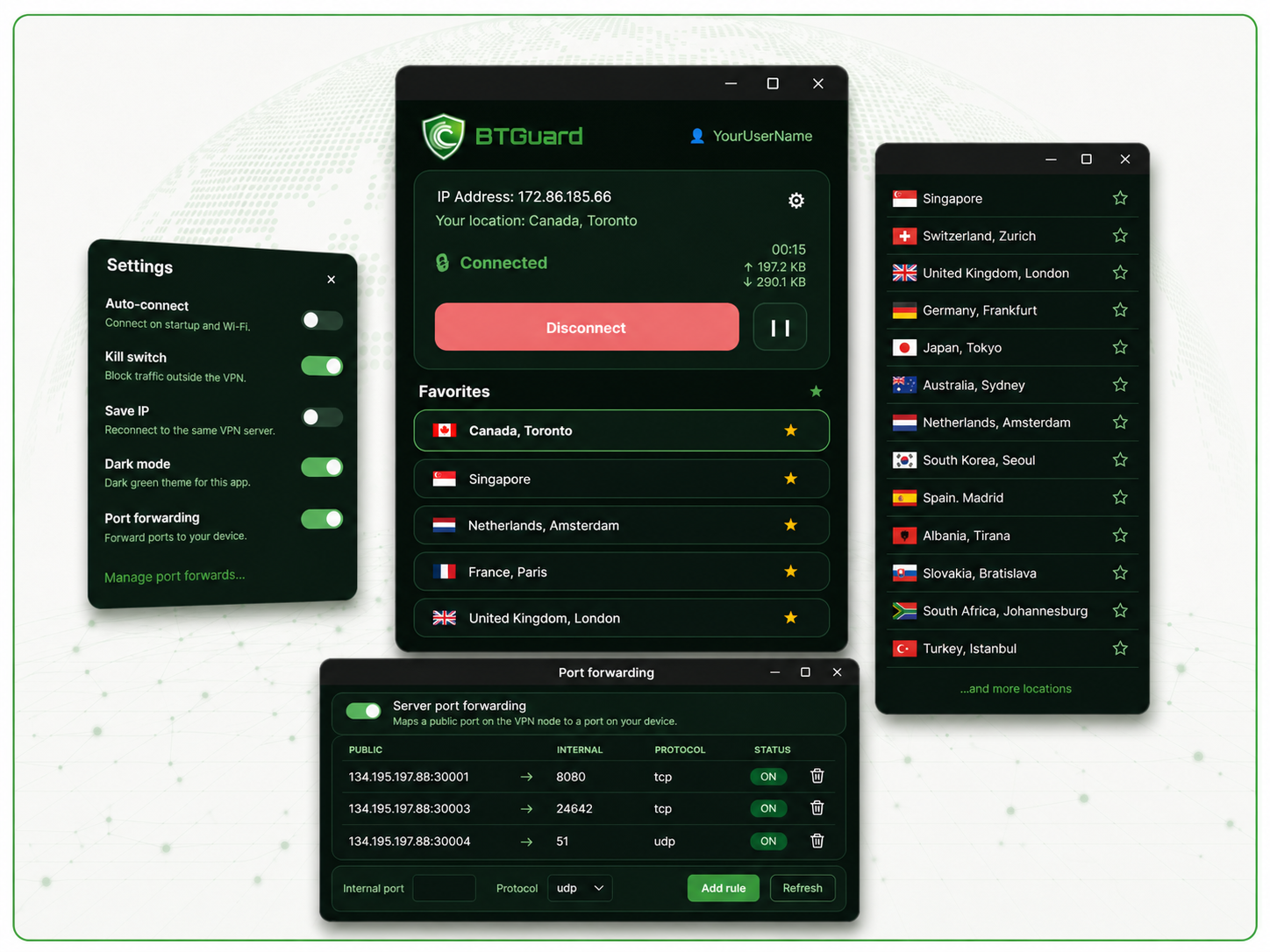
Install on Debian / Ubuntu
1. Download the package
wget https://btguard.com/downloads/btguard-vpn_1.3-1_amd64.deb
2. Install it (you’ll be asked for your password)
sudo apt install ./btguard-vpn_1.3-1_amd64.deb
Note: After installing, log out and log back in (or reboot) so your account picks up the btguardvpn group. Then open BTGuard VPN from your applications menu.
Install on Fedora / RHEL / Rocky Linux / AlmaLinux
1. Download the package
wget https://btguard.com/downloads/btguard-vpn-1.3-1.x86_64.rpm
2. Install it (you’ll be asked for your password)
sudo dnf install ./btguard-vpn-1.3-1.x86_64.rpm
Note: After installing, log out and log back in (or reboot) so your account picks up the btguardvpn group. Then open BTGuard VPN from your applications menu.
If you're using qBittorrent, change these settings.