 BTGuard
IKEv2 VPN Setup on Windows
Setup Instructions
- 1. Go to the IKev2 Certificate Generator
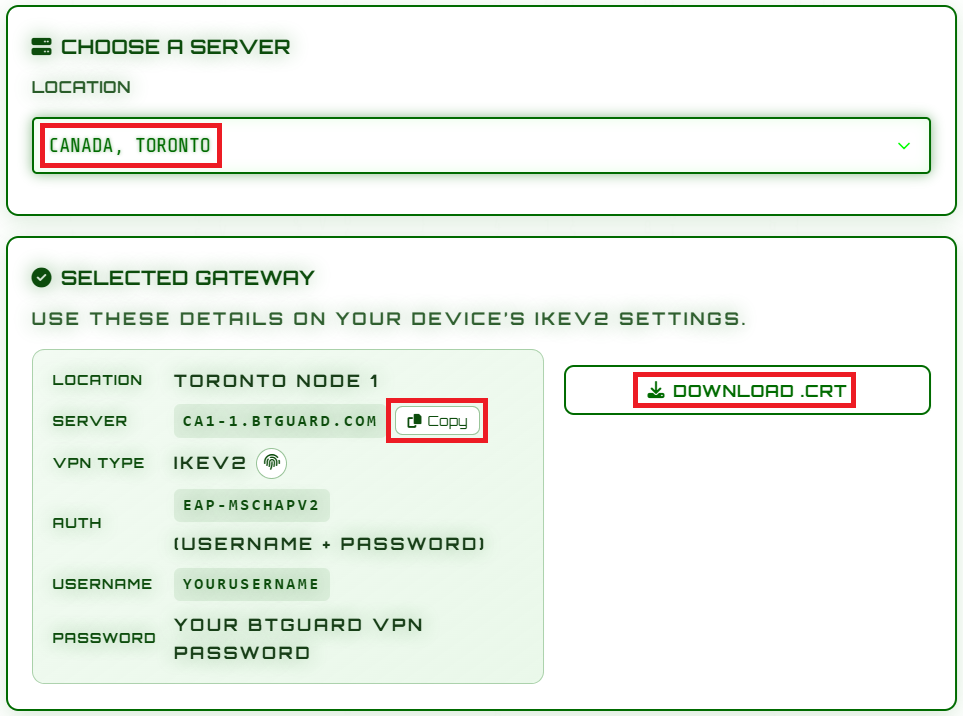
- 2. Select the Location you'd like to use then hit Copy and download.crt
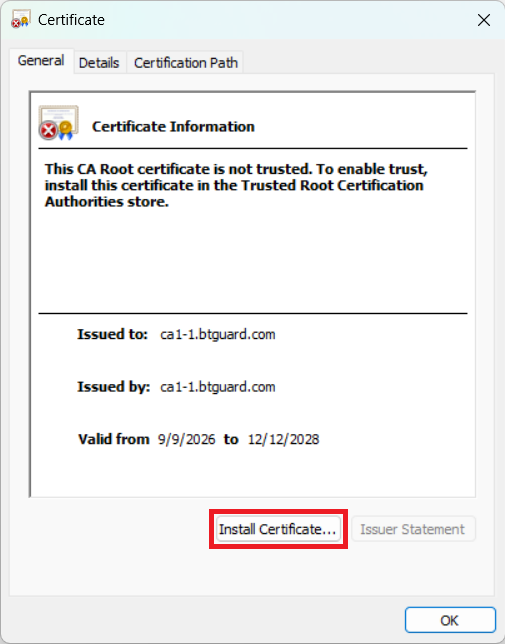
- 3. Open the .crt file you just downloaded and click on Install Certificate...
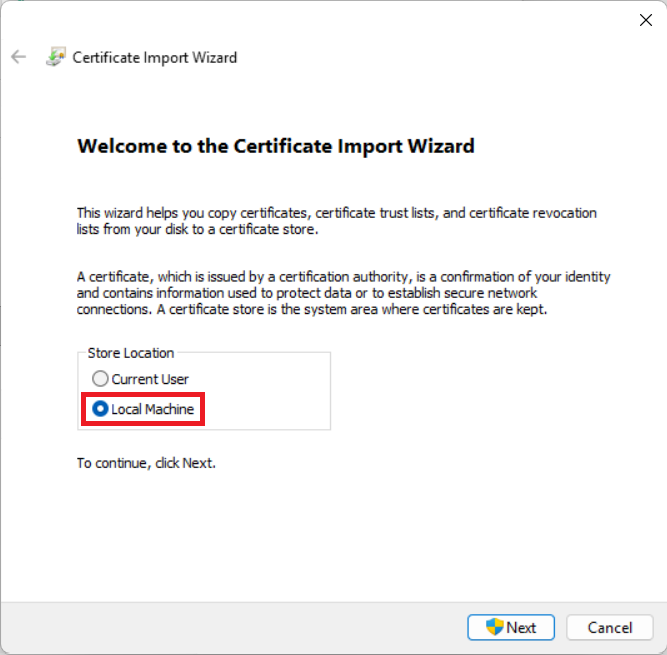
- 4. Select Local Machine
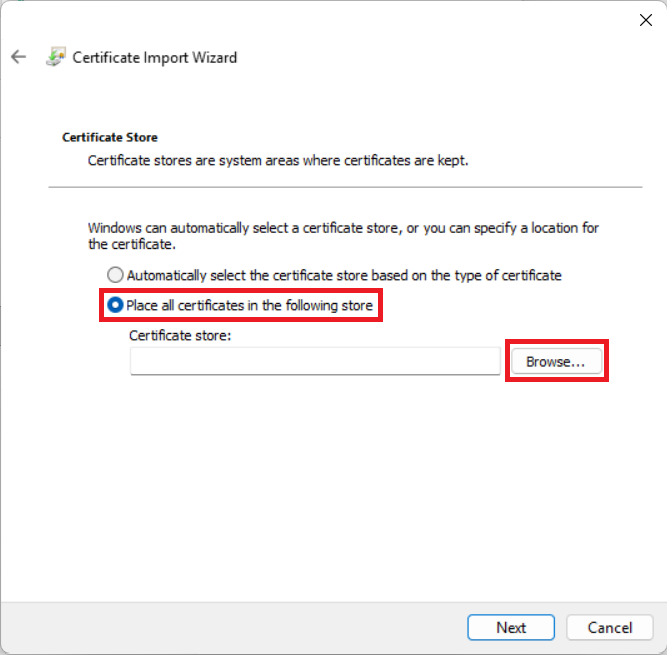
- 5. Select Place all certificates in the following store then hit Browse..
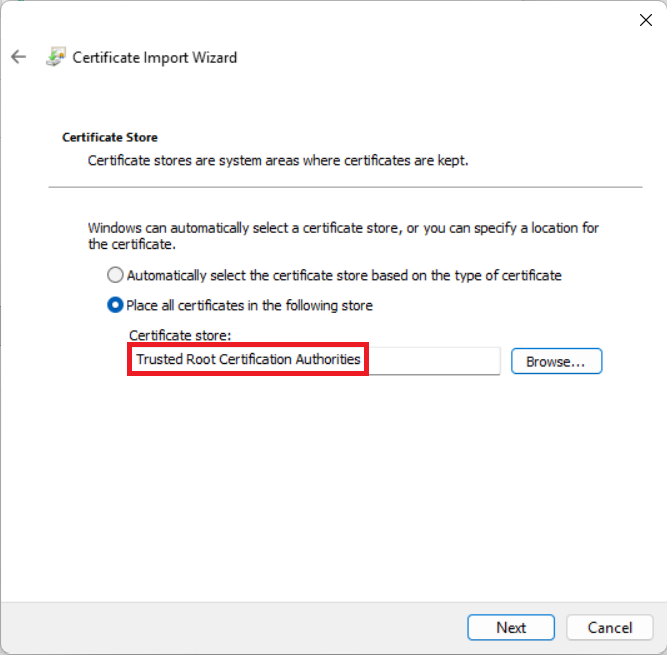
- 6. Select Trusted Root Certification Authorities then hit Next.
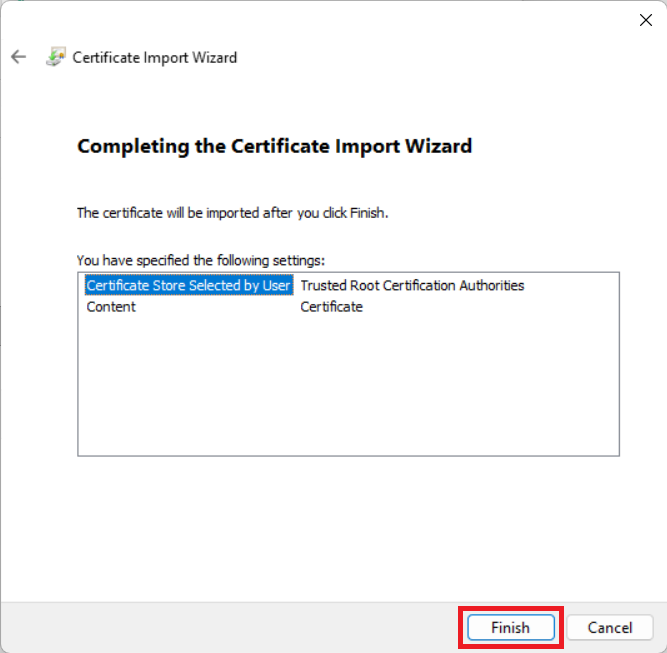
- 7. Hit Finish
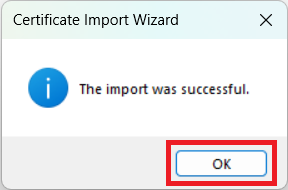
- 8. Hit OK
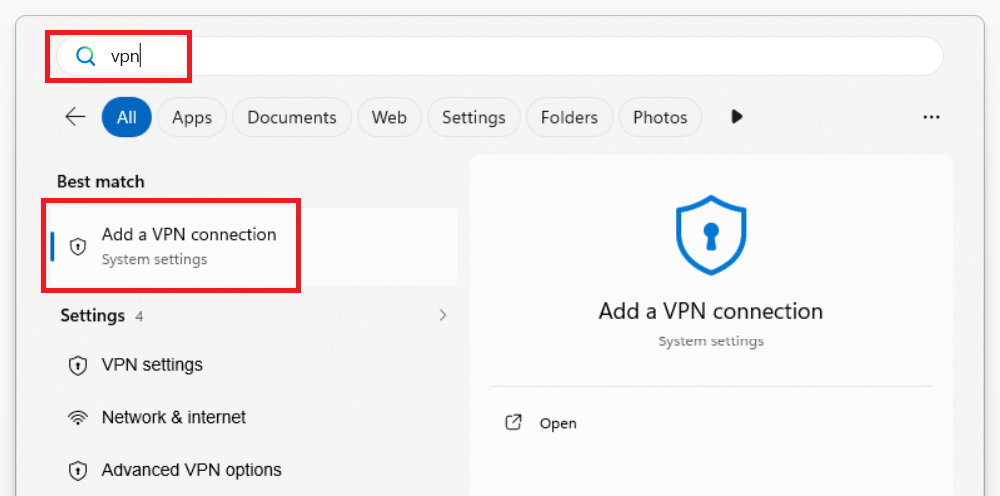
- 9. Hit the Windows Key, type in VPN or add VPN and select Add a VPN connection
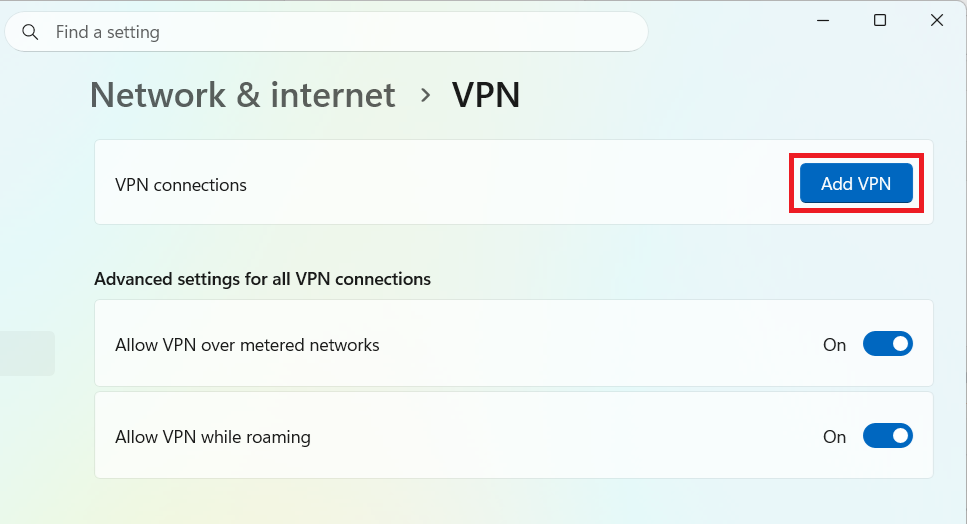
- 10. Click on Add VPN
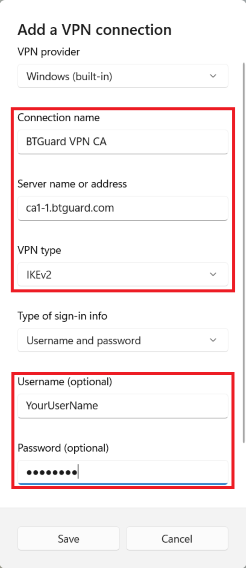
- 11. Fill in the required fields:
Connection name: name it however you want
Server name or address: Paste the server address you copied on step 2
VPN type: IKEv2
Username: YourUsername
Password: YourPassword - 12. Hit Save.
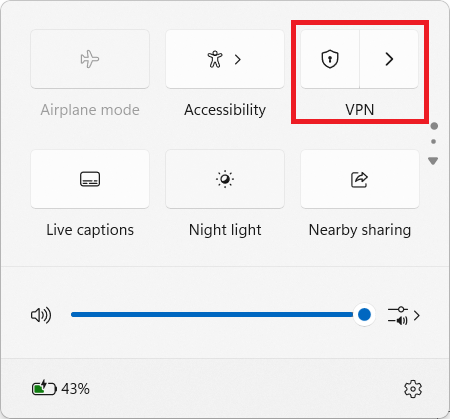
- 13. Hit WIN + A or click on the network icon in the system tray then click on VPN
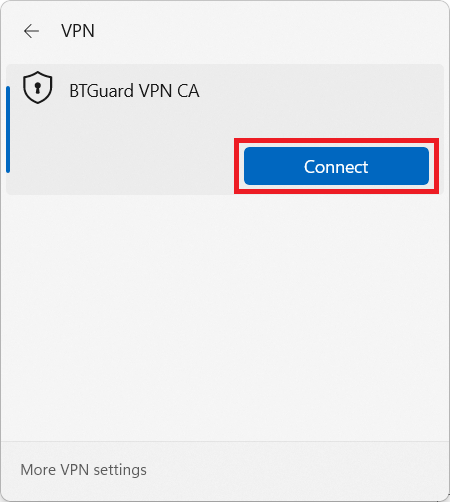
- 14. Click on Connect.
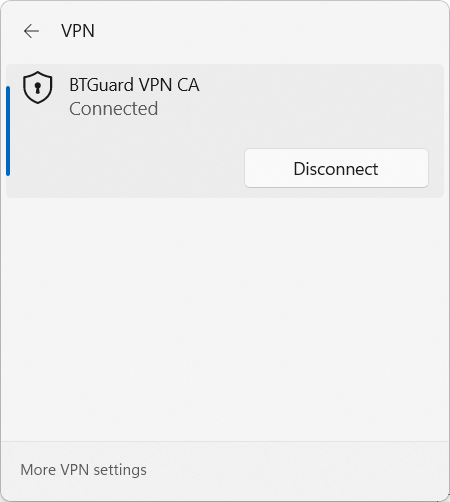
- You are now connected!